Thursday, October 3, 2013

Friday, September 27, 2013
How to get an extra 10GB of Google Drive space for free
Google gives all comers 15 gigabytes' worth of free storage across Gmail, Google Drive, and Google Plus Photos. Not a bad chunk of space just for having a heartbeat.
Of course, more is always better, especially when you don't have to pay for it. And Google is now offering exactly that, though there are a couple small catches.
From now through Sept. 26, you have the opportunity to score an extra 10GB of Google Drive space, no extra charge.
The requirement: Install the new Quickoffice app for Android or iOS--which, incidentally, is also now free. Then sign into your Google account via that app. Presto! You get another 10GB of gratis storage.
What's the catch? First, it won't appear right away; Google says to look for the space increase "in the next few weeks." Second, this isn't a permanent bump, though it is a lengthy one: you get the freebie for the next two years.
Eh, no biggie. That's 2015's proble
10 Windows 8 apps you should download first
Windows 8 is all about the apps, so it's important to find the best ones for your unique needs. Unfortunately, you need to sift through a lot of crap apps in the process, especially if you're not using a Windows 8 tablet; desktop and laptop PC users don’t need to worry about the lion’s share of Windows 8 apps, because they're usually single-purpose tools designed to replicate the functionality of a full PC on a mobile device. Since you have access to a full Windows desktop you don’t need just another way to look at photos or surf the Web—you need a way to do those things better.
With that in mind, we’ve taken the liberty of sharing some of our favorite Windows 8 apps in order to help you get up to speed as quickly as possible so that you can take advantage of all that Windows 8 can offer. Microsoft does a pretty decent job of covering your basic computing needs with apps like Messaging, Mail, SkyDrive and Skype, but there are a few excellent third-party apps you should download post-haste.
Problem is, the Windows Store is still in its infancy and thus lacks a lot of free apps for well-known services such as Twitter and Facebook; but even though Microsoft’s digital distribution platform can’t yet match the variety or breadth of apps available in the Apple and Google ecosystems, it still has more than enough Windows 8 apps to make your head spin. We sifted through dozens and dozens of the most popular Windows 8 apps available at launch, then tested a few dozen more and compiled this list of our favorites. While these apps may not satisfy all your computing needs (we just couldn't find a great Twitter management app, for example) they should help you get the most from your Windows 8 PC.
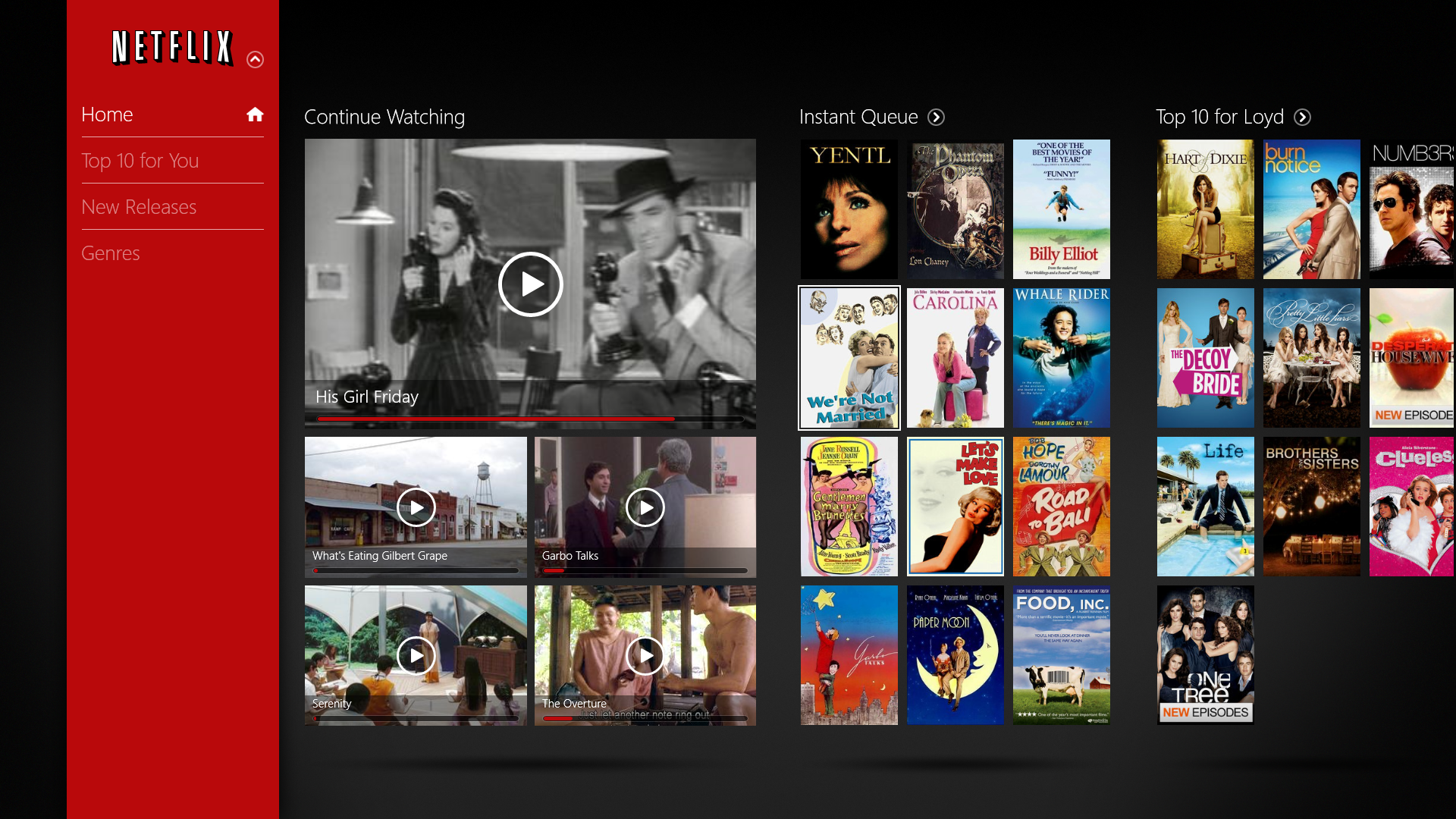
Netflix
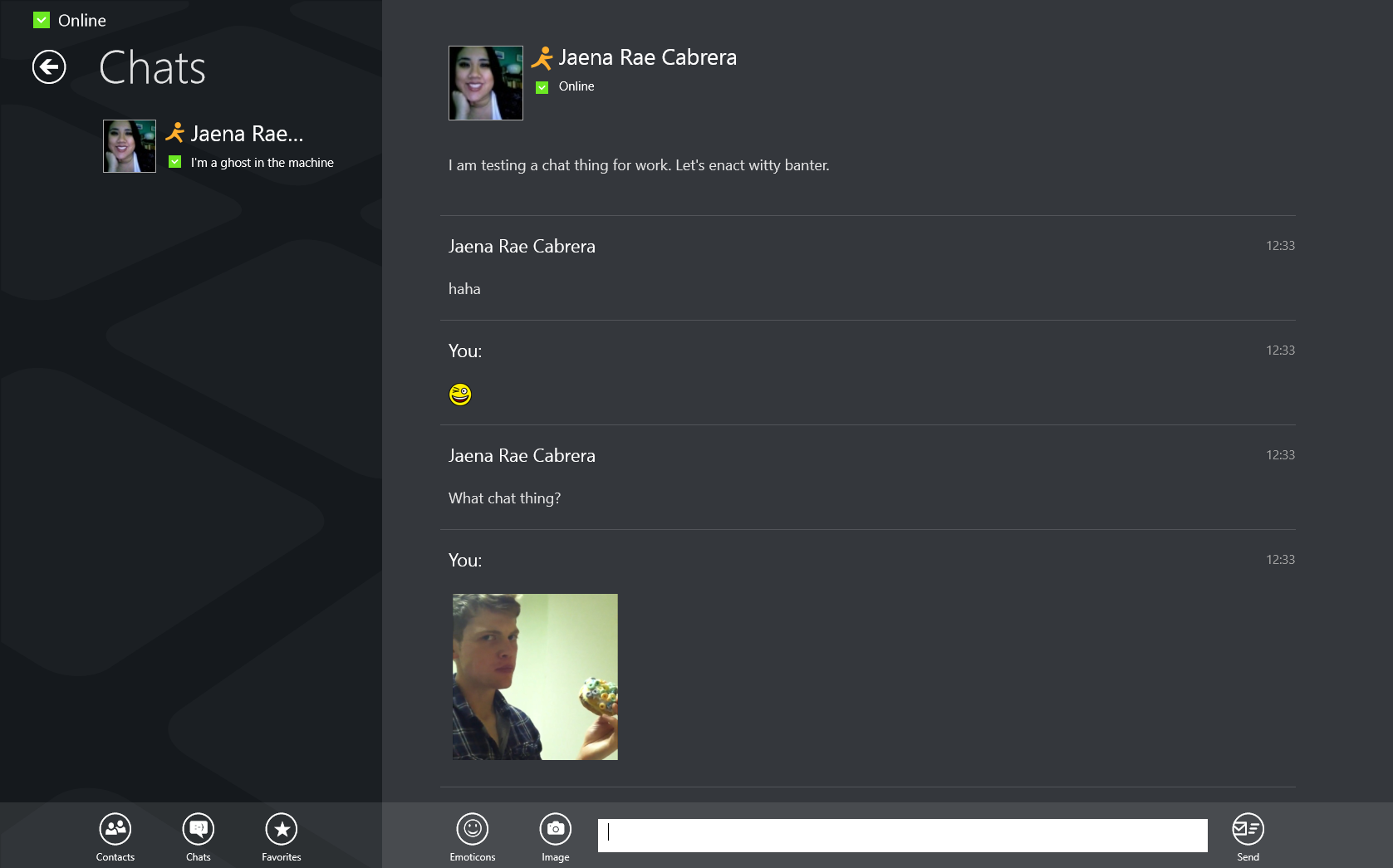
IM+
TuneIn Radio

eBay

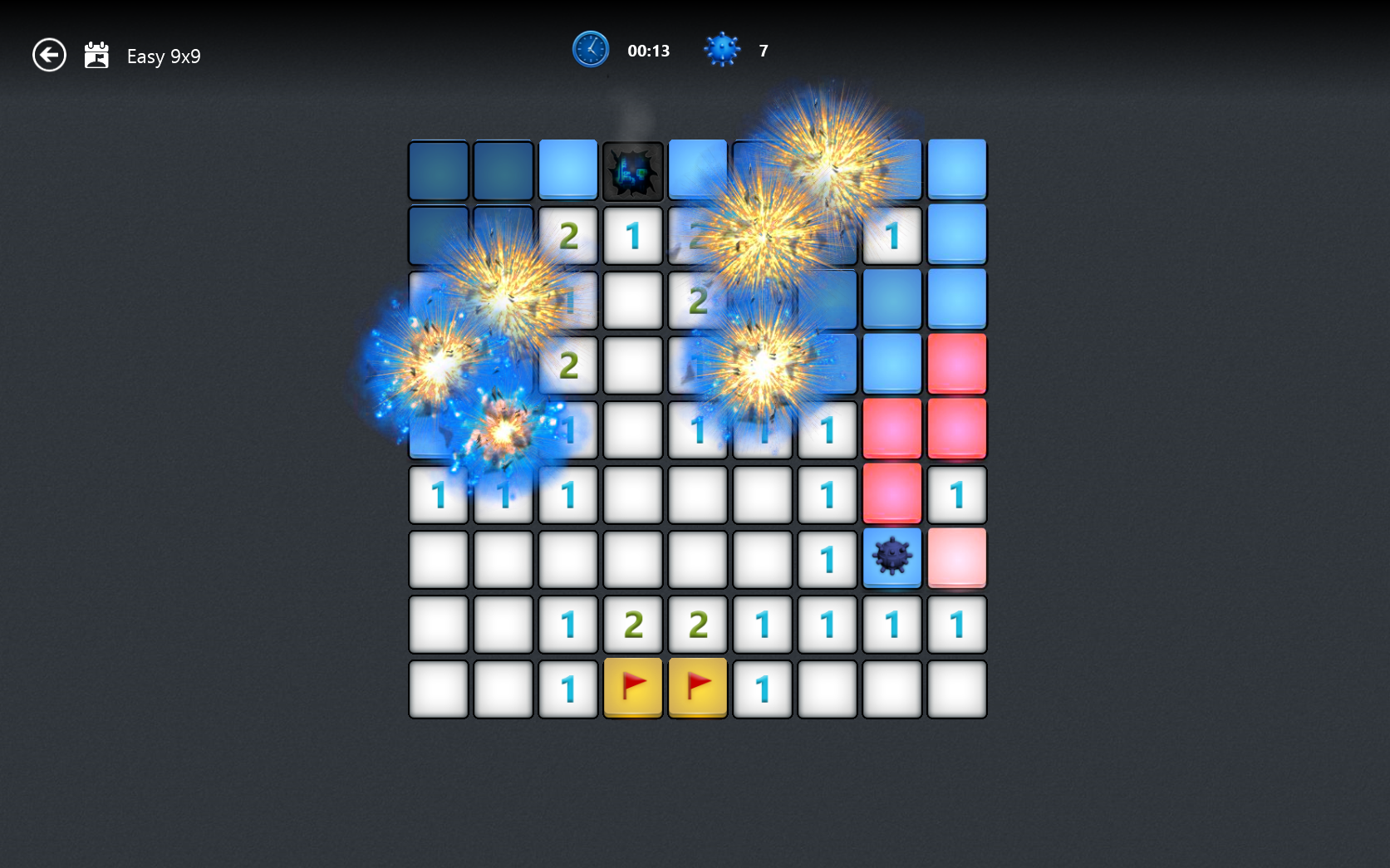
Microsoft Minesweeper
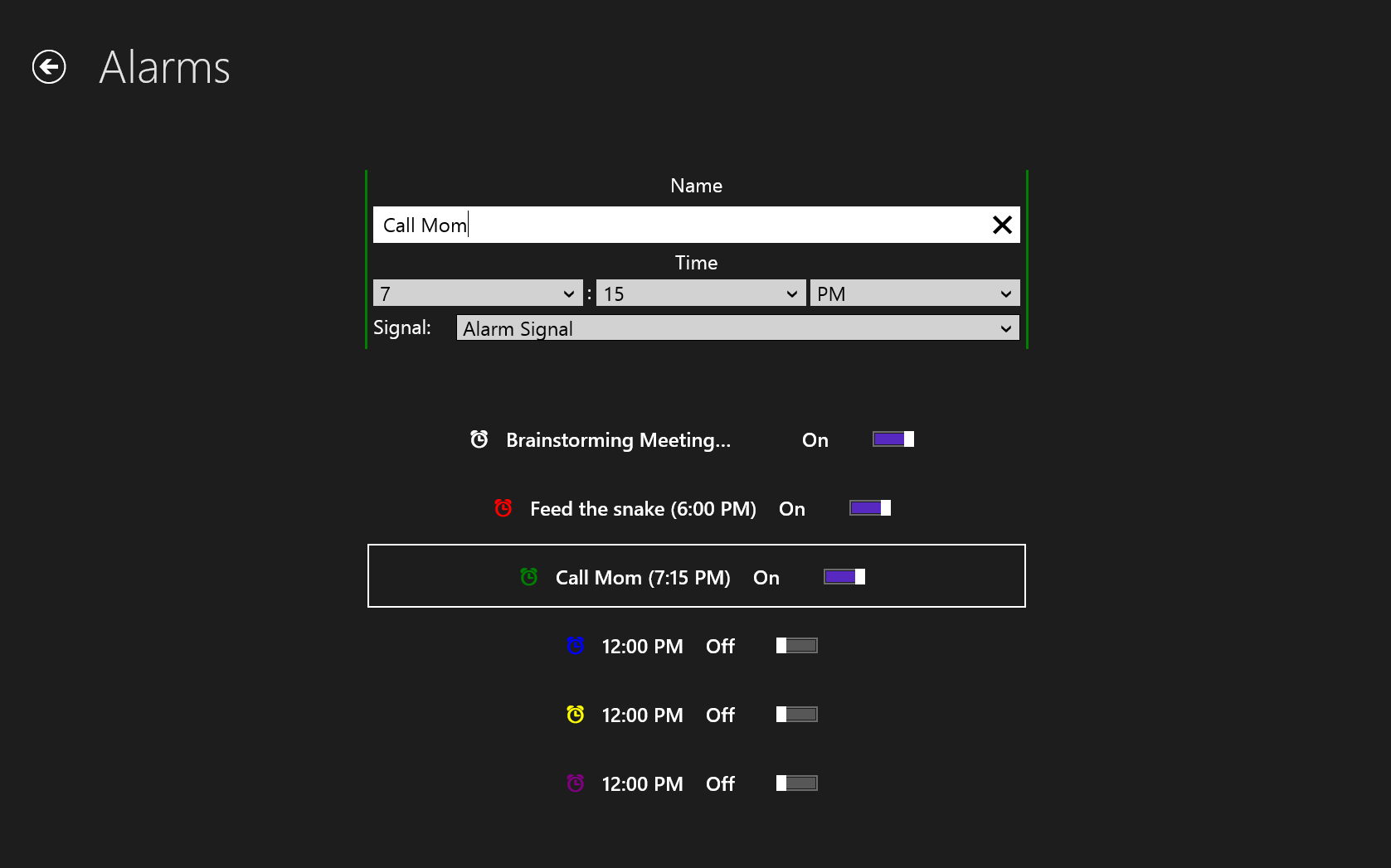
Clock
SmartGlass
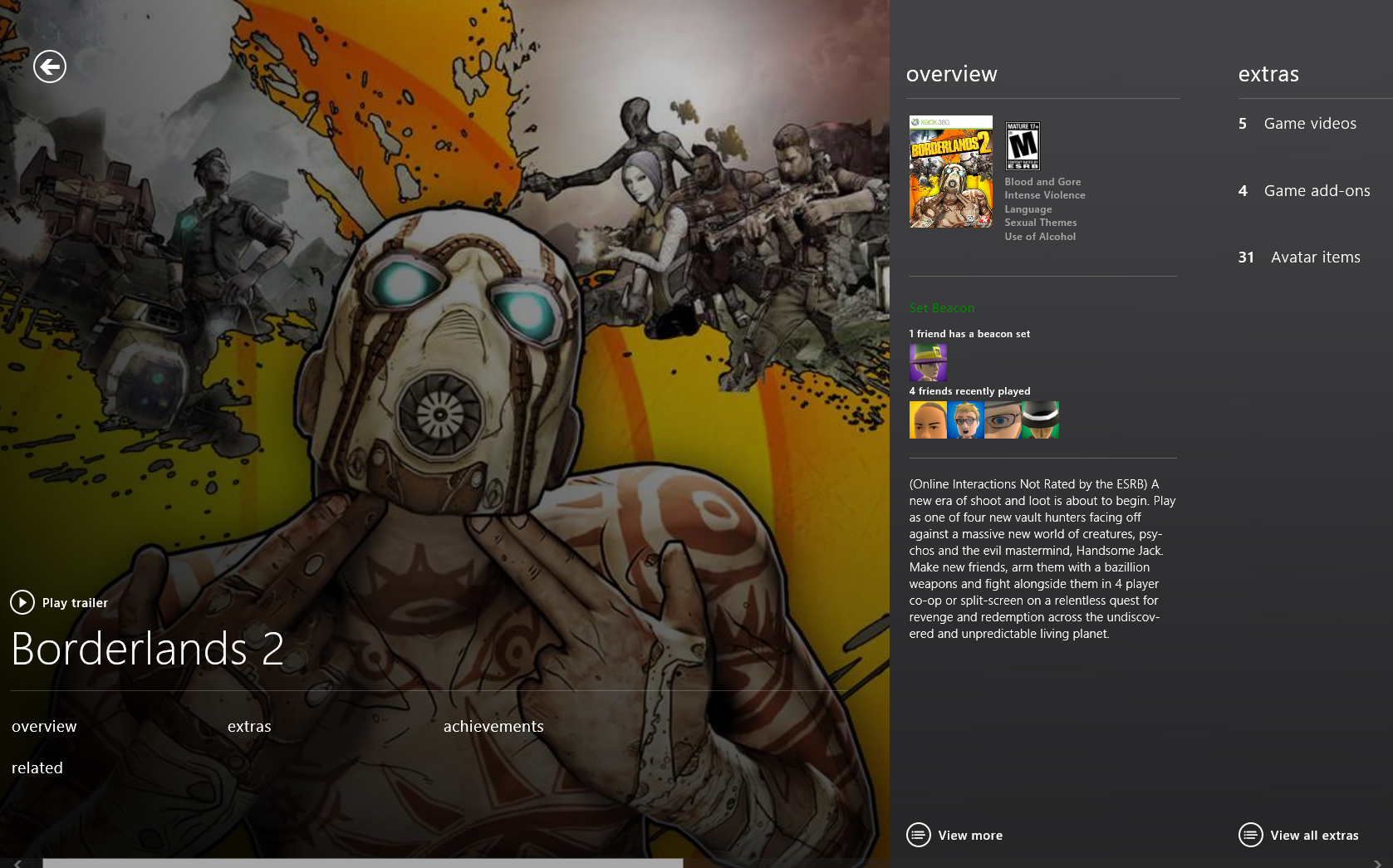
StumbleUpon

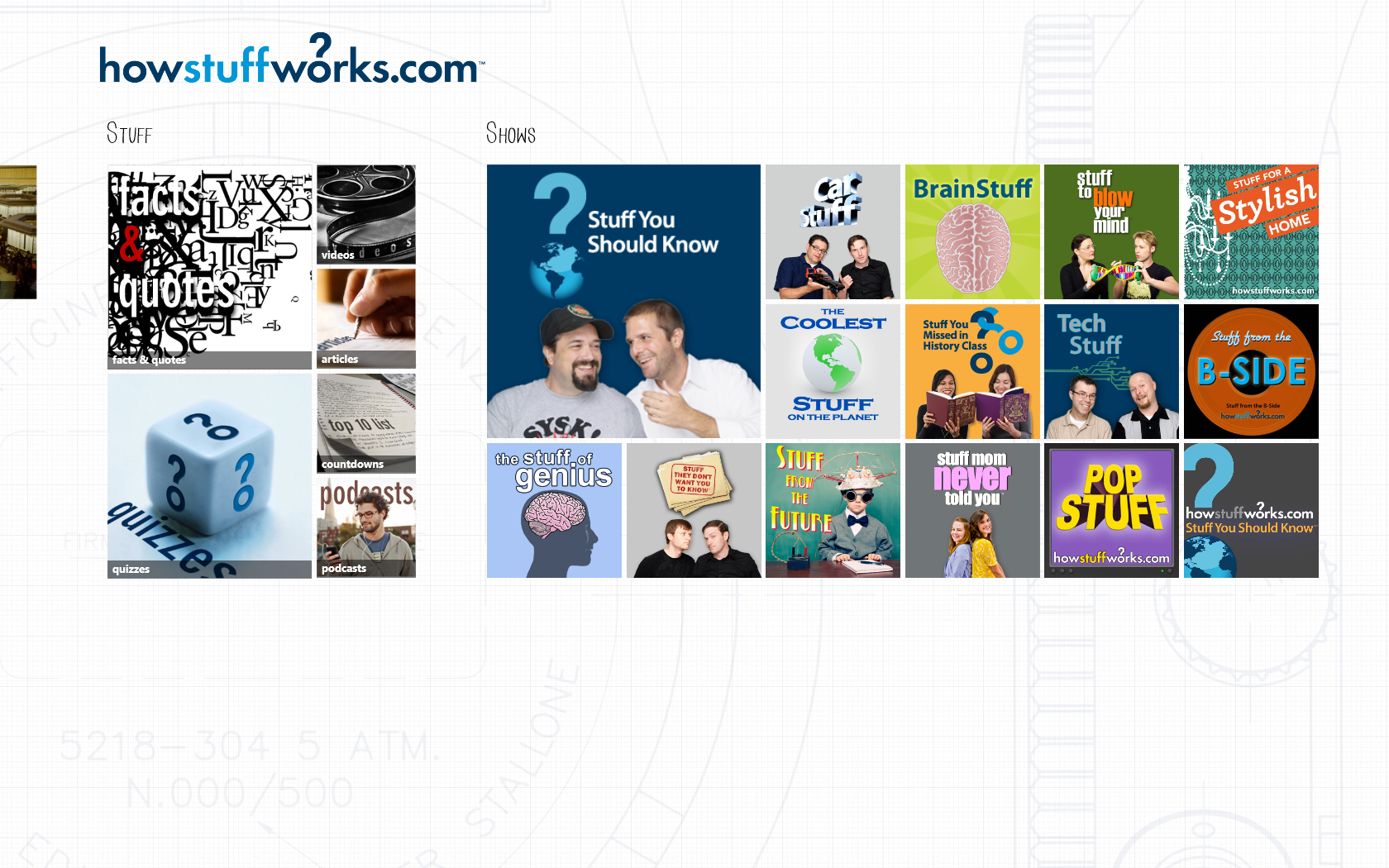
HowStuffWorks
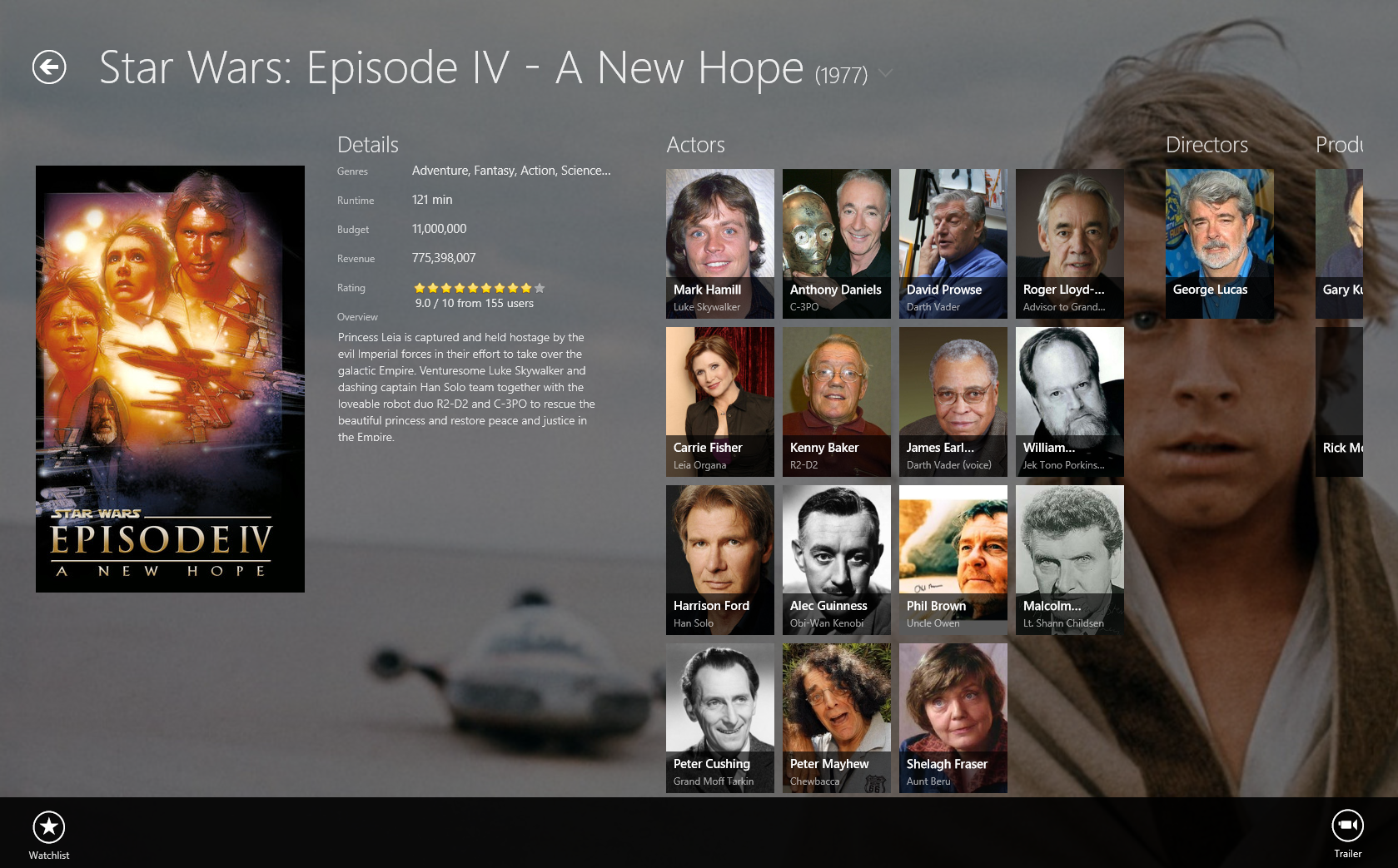
MovieGuide
Thursday, September 19, 2013
How to unlock Android Phone When Forgot Lock Pattern or Password?

Android Smartphone enable us to lock our Phone in two ways(password and pattern) to protect our privacy.No matter which method you are using,it will be troublesome for you to unlock the phone if you can't remember the password or pattern.Now let's figure how to unlock your Android phone.
You need to keep type After you forget the pattern lock or password until the phone prompts with ‘forgot password’ or ‘forgot pattern’.Forgot password has to be clicked when prompted. It will show you a new page, which the user is required to enter Google account details along with password. This accounts is the one your device has been registered with Google. So users have to be connected with a network. After successful verification of details, the phone allow you to reset pattern again.
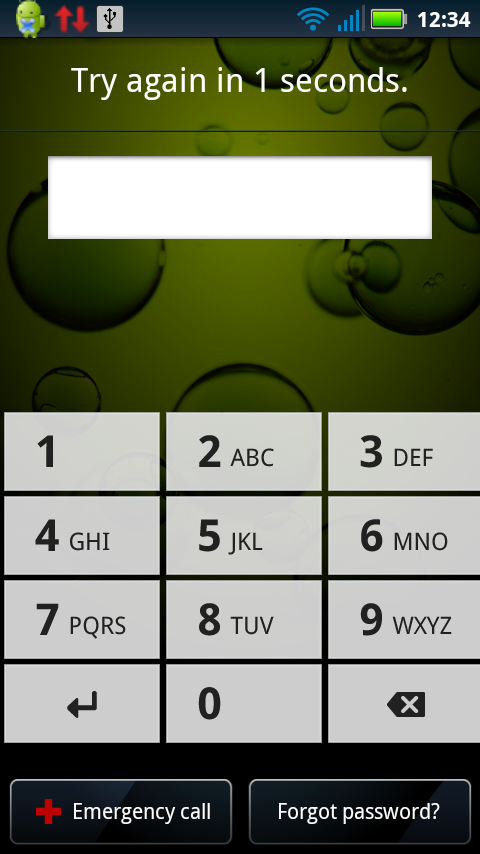
Actually,things may not run smooth like this.If you forget the account?Then you will have to hard reset your Android phone.Well then you need to hard reset your phone, which will delete all your settings and apps on your phone, except for SD card data
Here are the specific steps to hard reset your Android phone:
1 Shut down your phone.It doesn't matter whether your phone is locked or not when you want to power of your phone.
2 Hold down the Volume Up and Power button simultaneously.For this step,different Android device may go different.Optional:For other phones try holding down the Volume down button and power button or Vol down+Up.
Some examples"
Nexus 7: Volume Up + Volume Down + Power
Samsung Galaxy S3: Volume Up + Home + Power
Motorola Droid X: Home + Power
2 Hold down the Volume Up and Power button simultaneously.For this step,different Android device may go different.Optional:For other phones try holding down the Volume down button and power button or Vol down+Up.
Some examples"
Nexus 7: Volume Up + Volume Down + Power
Samsung Galaxy S3: Volume Up + Home + Power
Motorola Droid X: Home + Power
For others,if you get no idea,you can search at Google.
3 Continue holding the Volume Up and Power buttons until you find the the phones logo screen exits.
4 When the phone’s logo screen is displayed, release the Power button but continue holding the Volume button until the Android System Recovery shows.That's a key step.
5 So here comes the Android System Recovery menu,select the wipe data/factory reset option.with the volume keys and tap the Power button to activate it.

6 Once you have chosen the factory reset option, you will see a confirmation screen. Highlight the Yes delete all user data option and touch the Home button to select it.

7 The process of wiping the phone should only take a few seconds and when it is finished, you will be returned to the Android System Recovery menu.
8 Highlight and select the reboot system now option
9 You phone will now reboot back into normal mode.And you can enter your phone without password or pattern now.
This is a referred video tutorial for LG.But the steps go almost the same for other Android devices.
For the hard reset for Android,you won't be worried if you often forget your phone password or pattern.But in the same time,it costs your time on this,which is may be somewhat difficult for common Android users.So you'd better pick up an easy remembering password or pattern.
Subscribe to:
Posts (Atom)